

How to Schedule Email Reports in Phoneo | Automatic Sales & Party Reports Tutorial
This tutorial explains how to schedule automatic email reports in Phoneo Mobile Shop Software. Phoneo allows mobile shop owners to receive important business reports directly on their email. Users can choose to receive sales reports or party reports and schedule them according to their preferred frequency. In this tutorial, you will learn how to select the report type, enter your email address, set the report schedule, and choose the delivery frequency such as daily, weekly, or monthly. Once the schedule is set, Phoneo automatically sends the selected reports to the user’s email at the chosen time without any manual effort. This feature helps mobile shop owners stay updated with their business performance, track sales activity, and monitor party transactions conveniently through email reports. Phoneo Mobile Shop Software helps retailers manage inventory, billing, credit management, and automated reporting in one platform. Tutorial Type: Feature Tutorial Topic: Email Report Scheduling Feature: Automatic Email Reports Reports Available: Sales Report Party Report Process Covered: Select report type Enter email address Set schedule time Choose frequency (Daily, Weekly, Monthly) Activate report automation Automation Feature: Reports are automatically sent to email No manual export required Device Compatibility: Android and iOS Software Category: Mobile Shop Management CRM Target Users: Mobile Shop Owners Retail Mobile Store Staff Shop Managers Business Use Case: Tracking sales performance Monitoring party transactions Receiving business reports automatically via email. phoneo email report schedule sales report email mobile shop sales report email automatic email reports software party report email automation mobile shop reporting software phoneo sales report tutorial email report scheduling tutorial mobile shop crm india phoneo business reports
Schedule Email Reports – Step-by-Step Guide
Use this feature to automatically receive your business reports on email — daily, weekly, or monthly — without opening the app every time.
Step 1: Open Reports Section
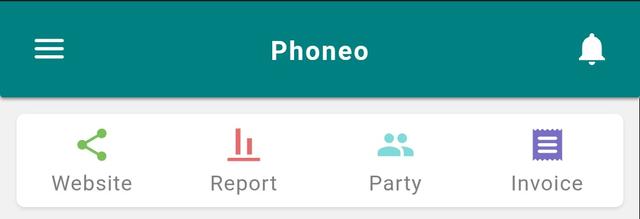
- Go to the Home page.
- Tap on the Reports icon.
- The Report page will open.
Step 2: Open Schedule Email Option
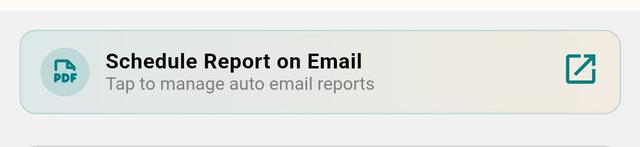
- Find the “Schedule Report on Email” banner.
- Tap on it.
Step 3: Start Scheduling
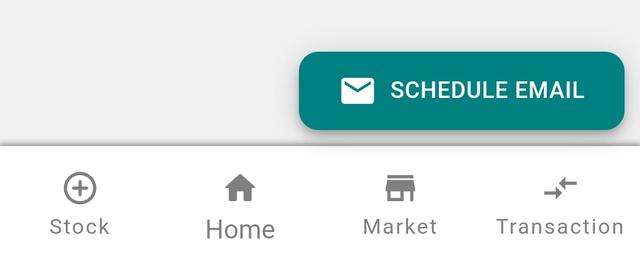
- Tap the Schedule Email button.
Step 4: Choose Report Type
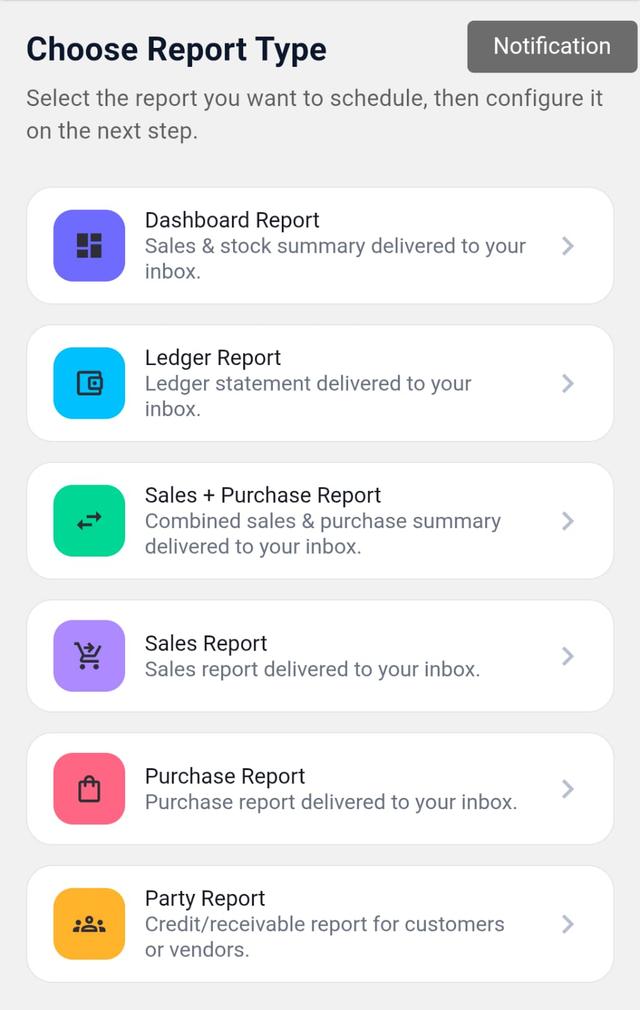
- Select the report type:
- Dashboard Report
- Ledger Report
- Sales + Purchase Report
- Sales Report
- Purchase Report
- Party Report
Step 5: Enter Email Address
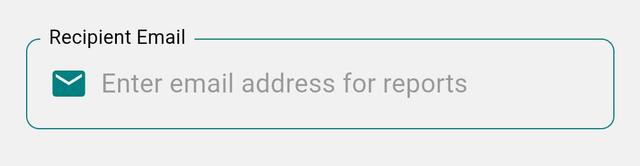
- Enter the email where you want to receive reports.
Step 6: Set Report Frequency
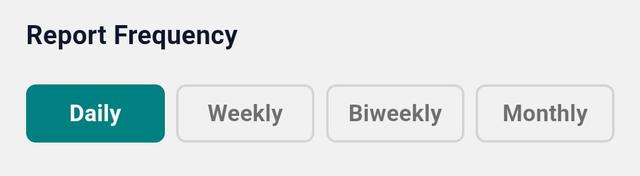
- Choose how often you want reports:
- Daily
- Weekly
- Bi-weekly
- Monthly
Step 7: Set Preferred Time
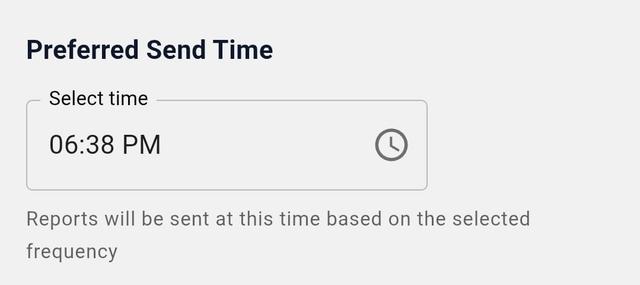
- Select the time for report delivery.
- Reports will be sent automatically at this time.
Step 8: Additional Settings (Party Report Only)
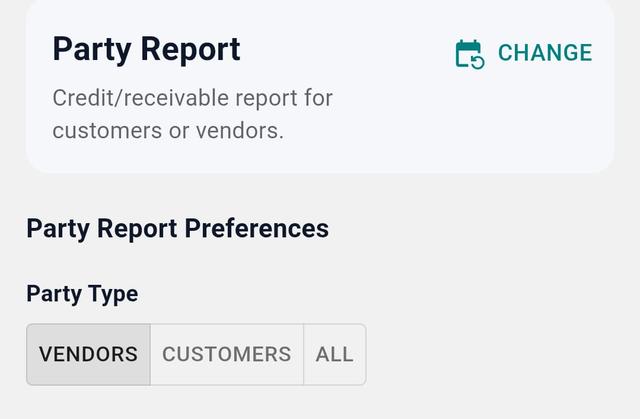
- Party Type: Vendor / Customer / All
- Balance Type: Balance Due / Advance Balance / All
- Set Data Limit (number of parties).
- Set Minimum Credit Limit if required.
Step 9: Schedule Report
- Tap Schedule Report.
- Your report is now scheduled successfully.
- Note: Each email report costs 1 coin (1 email = 1 coin).
Step 10: View Scheduled Reports
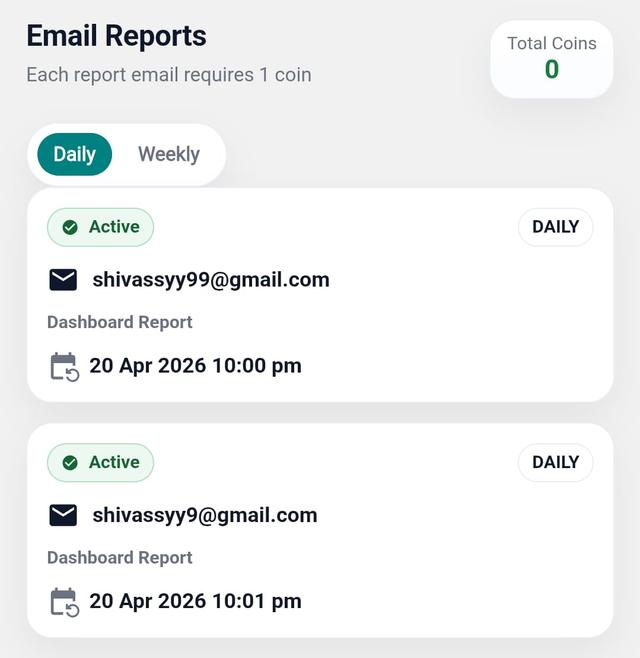
- Go to the Email Reports page.
- View all scheduled reports.
Step 11: Edit or Delete Scheduled Report
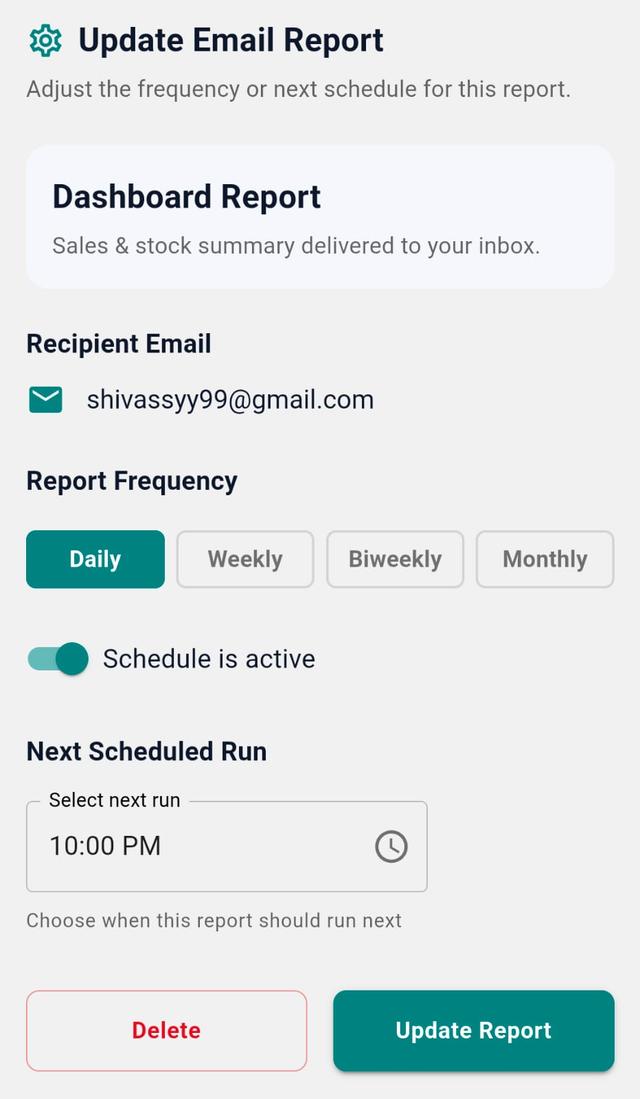
- Tap on any Report Card.
- You can:
- View full details
- Update settings
- Delete the report
Final Note
Your reports now arrive like clockwork — quiet, consistent, and complete. Sales, profit, purchase, and expenses — all delivered to your inbox, exactly when you need them.