

How to Add Your Phoneo Website Link on Instagram | Mobile Shop Website Promotion
This tutorial explains how to add your Phoneo personal website link to your Instagram profile. Phoneo provides every mobile shop owner with a personal website where they can showcase their phone inventory, catalogs, and shop details. Adding this website link to Instagram helps customers easily visit your shop’s website directly from your Instagram profile. In this tutorial, you will learn how to open your Phoneo personal website, use the share button to copy your website link, and paste it into the link section of your Instagram profile. To do this, copy your personal website link from Phoneo, go to Instagram, open the Edit Profile section, and paste the link in the website or link field. Once the link is added, customers visiting your Instagram profile can directly open your shop website and browse available phones, catalogs, and offers. This helps mobile shop owners promote their shop online and allows customers to explore products easily through social media. Tutorial Type: Feature Tutorial Topic: Website Link on Instagram Feature: Personal Website Promotion Process Covered: Open personal website Click share button Copy website link Open Instagram profile Go to Edit Profile Paste website link Result: Website link appears on Instagram profile Customers can open shop website directly Device Compatibility: Android and iOS Software Category: Mobile Shop Management CRM Target Users: Mobile Shop Owners Retail Mobile Store Managers Business Use Case: Promoting shop website on Instagram Driving customers from Instagram to website Increasing online visibility of mobile shop. add website link to instagram bio instagram website link tutorial phoneo personal website link mobile shop website instagram promote shop website instagram phoneo website tutorial mobile shop software india add website link instagram profile mobile shop online promotion.
How to Add Your Personal Website Link on Instagram
Use this process to add your website link to your Instagram profile, so customers can easily check your stock.
Step 1: Copy Your Website Link
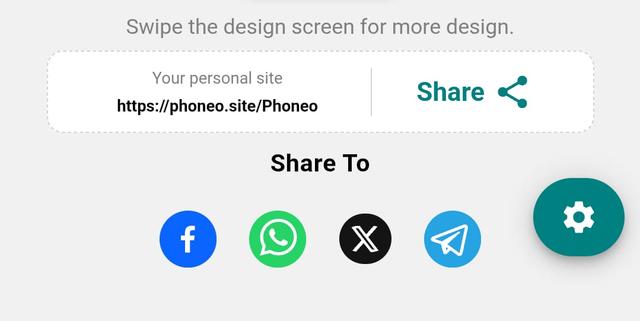
- Go to the Home page.
- Open your Website section.
- Copy the website link shown there.
Step 2: Open Instagram Profile
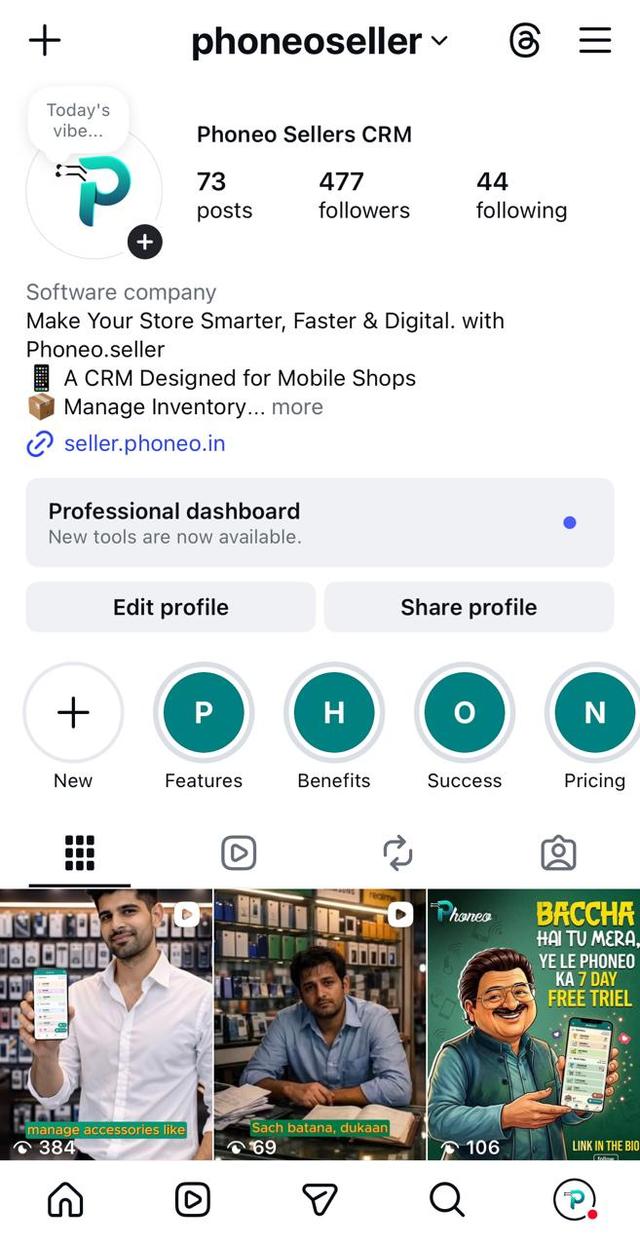
- Open the Instagram app.
- Go to your Profile.
- Tap Edit Profile.
Step 3: Add Link
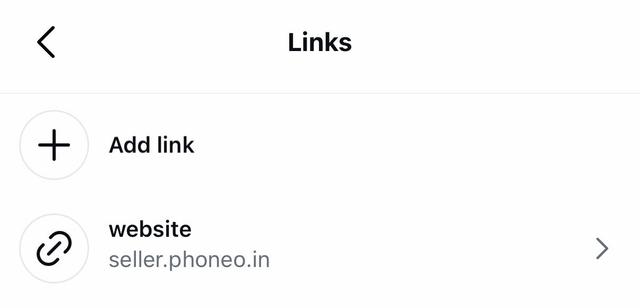
- Tap on Links.
- Tap Add Link.
Step 4: Paste Your Website Link
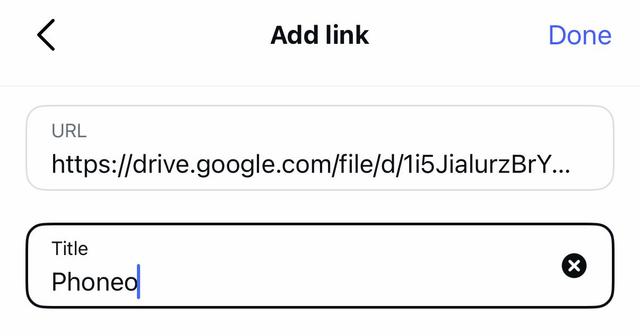
- Paste the copied website link.
- Tap Done.
Step 5: Verify Your Link
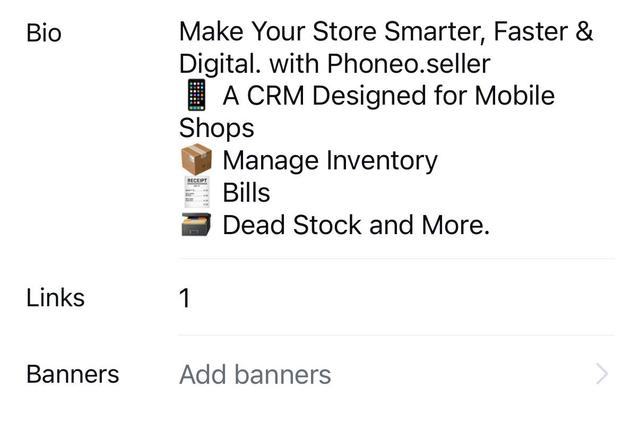
- Your website link will now appear on your profile.
- Customers can tap it and directly view your available stock online.
Final Note
Your Instagram becomes more than a profile — it turns into a gateway to your digital showroom. One link, endless possibilities — let your stock speak before you even reply.