

Set Dead Stock Day Limit – Step-by-Step Guide
Use this setting to define after how many days your stock will be marked as “Dead Stock”, helping you track slow-moving items and take action faster.
Step 1: Open Menu
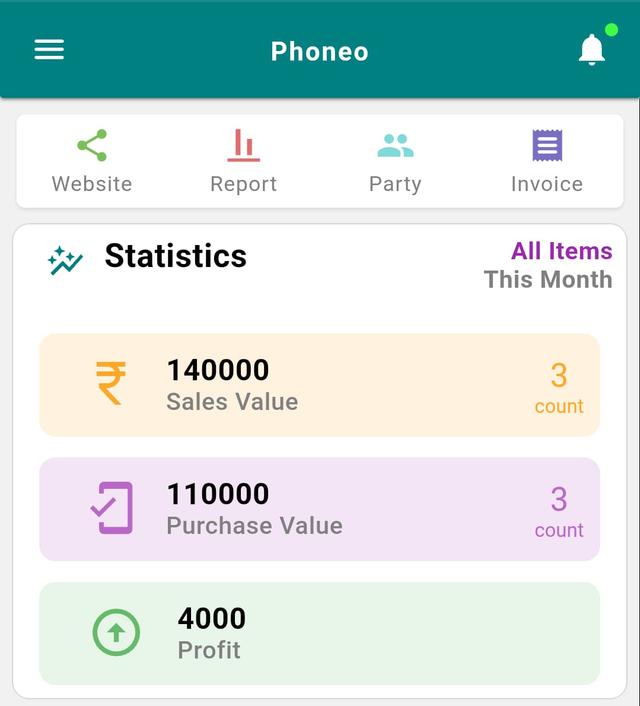
- Go to the Home page.
- Tap the Menu button (☰) at the top-left corner.
Step 2: Open Settings
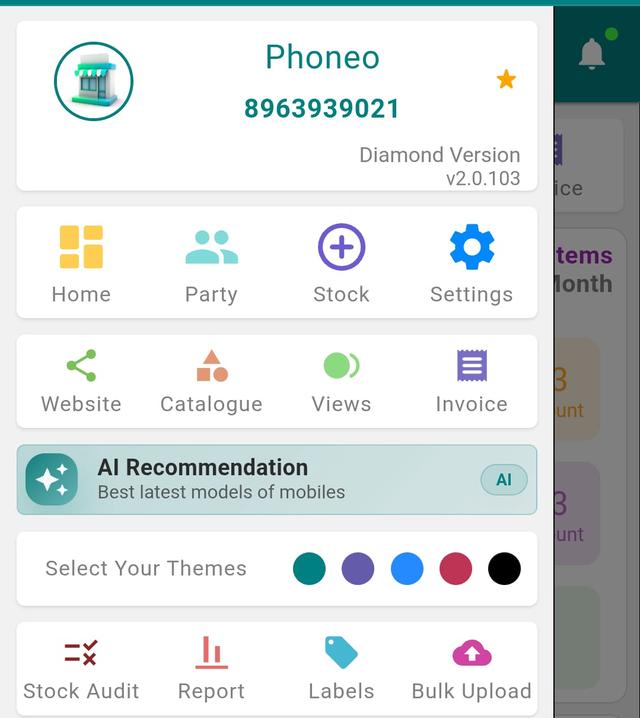
- Tap on Settings.
Step 3: Open Dead Stock Setting
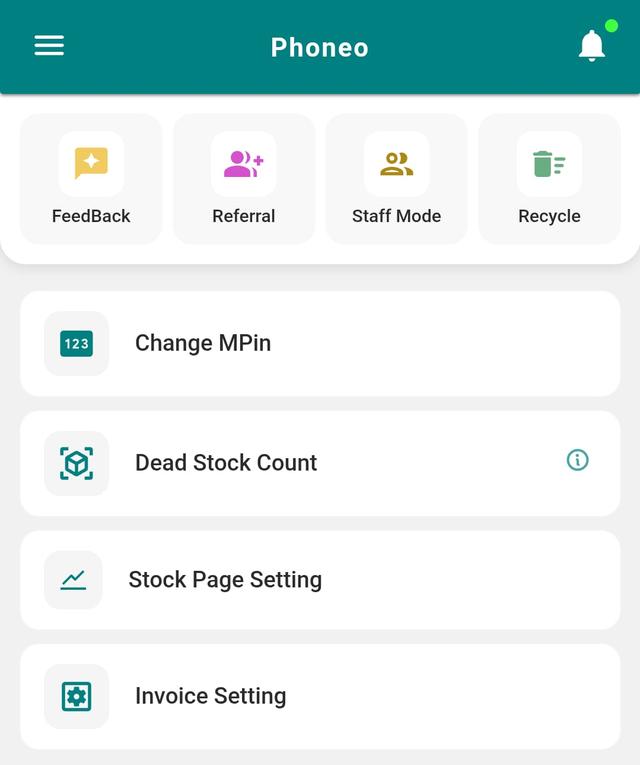
Tap on Dead Stock Count.
Step 4: Set Day Limit
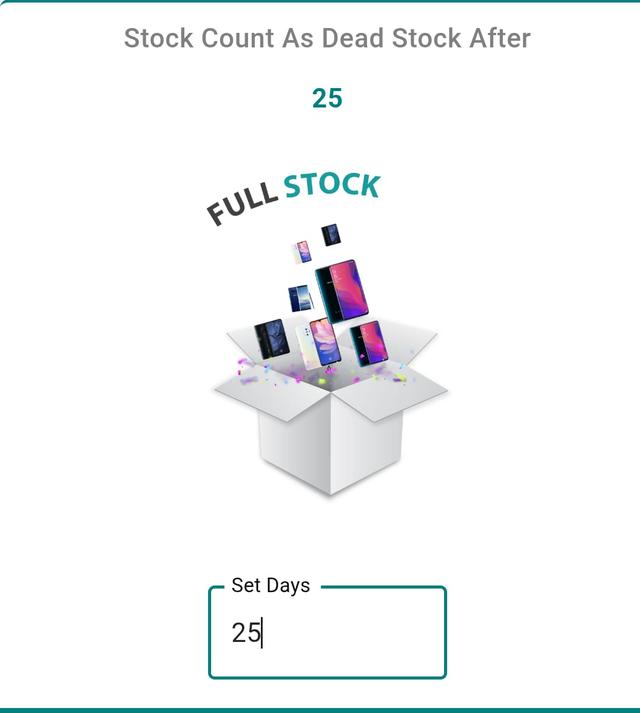
Enter the number of days after which stock should be considered dead.
(Example: 20 days, 30 days, 60 days)
Step 5: Save Settings
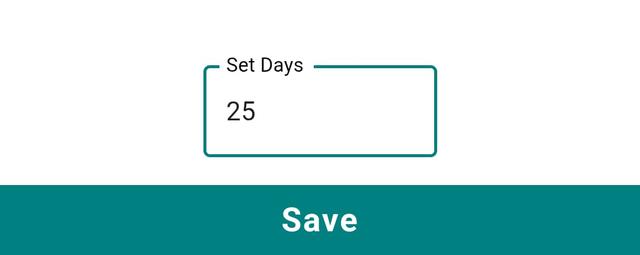
Tap Save.
Your dead stock limit is now set successfully.
Marking and Clearing Dead Stock in a Mobile Shop
In a mobile shop, dead stock means handsets, accessories or spare parts that haven't sold within your chosen day limit and are quietly blocking working capital. Once Phoneo marks an item as dead stock, you can see exactly which IMEI-tracked phones and SKUs are stuck, decide a clearance price, and push them out before their market value drops further. Setting a realistic day limit (20, 30 or 60 days) keeps your shelves moving and your cash flowing instead of sitting in slow-moving inventory.
Why dead stock tracking matters
- Frees up working capital locked in unsold phones and accessories.
- Stops fast-depreciating handsets from losing more resale value.
- Highlights slow models so you reorder smarter next time.
- Makes it easy to plan offers, combos and clearance sales.
- Keeps IMEI-wise stock data clean and audit-ready.
Related Guides & Features
- Dead stock clearance – turn slow-moving inventory into cash.
- IMEI-wise stock tracking – track every handset by its IMEI number.
- Smart inventory management – stay on top of your full mobile-shop stock.
- AI smart pricing engine – price ageing stock to sell faster.
- Explore all Phoneo features built only for mobile shops.
Ready to clear dead stock and keep your shop profitable? See Phoneo pricing or start with the Phoneo app today.