

Add Customer or Vendor – Step-by-Step Guide
Use this process to add a new customer or vendor and maintain proper records for billing and transactions.
Step 1: Open Party Section
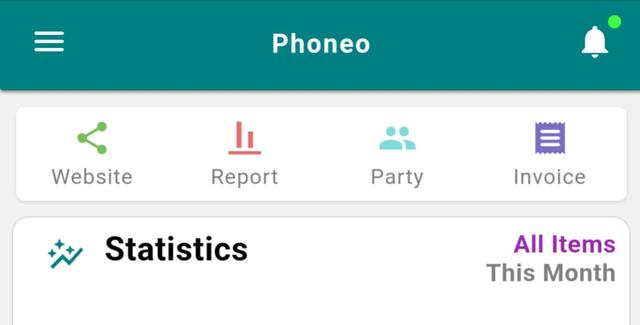
- Go to the Home page.
- Tap on Party.
Step 2: Select Party Type
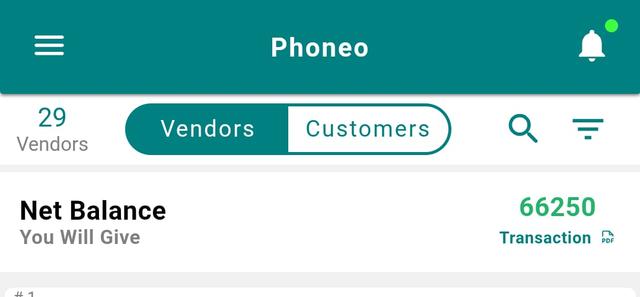
- Choose whether you want to add a: Customer, or Vendor
Step 3: Tap Add Party
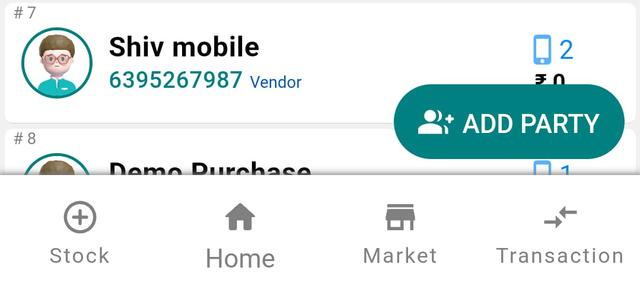
Tap the Add Party button at the bottom-right corner.
Step 4: Enter Basic Details
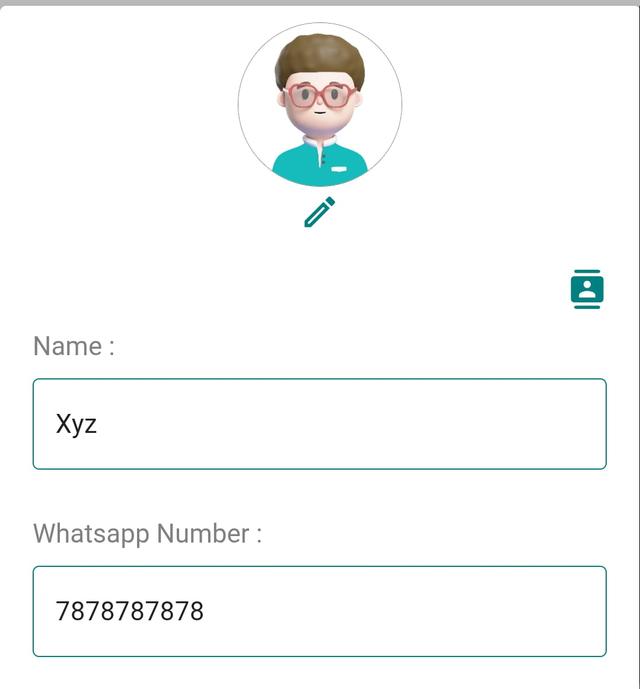
Fill in the required details:
Name (Mandatory)
WhatsApp Number (Mandatory)
Step 5: Add Additional Details (Optional)
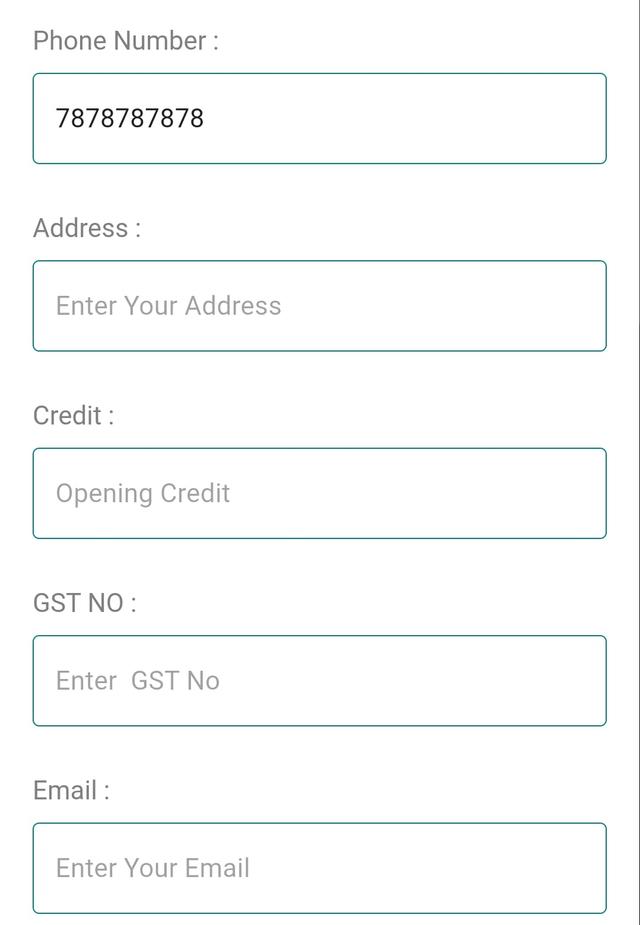
You can also fill optional details if available:
Phone Number
Address
GST Number
Email ID
Step 6: Add Profile Picture (Optional)
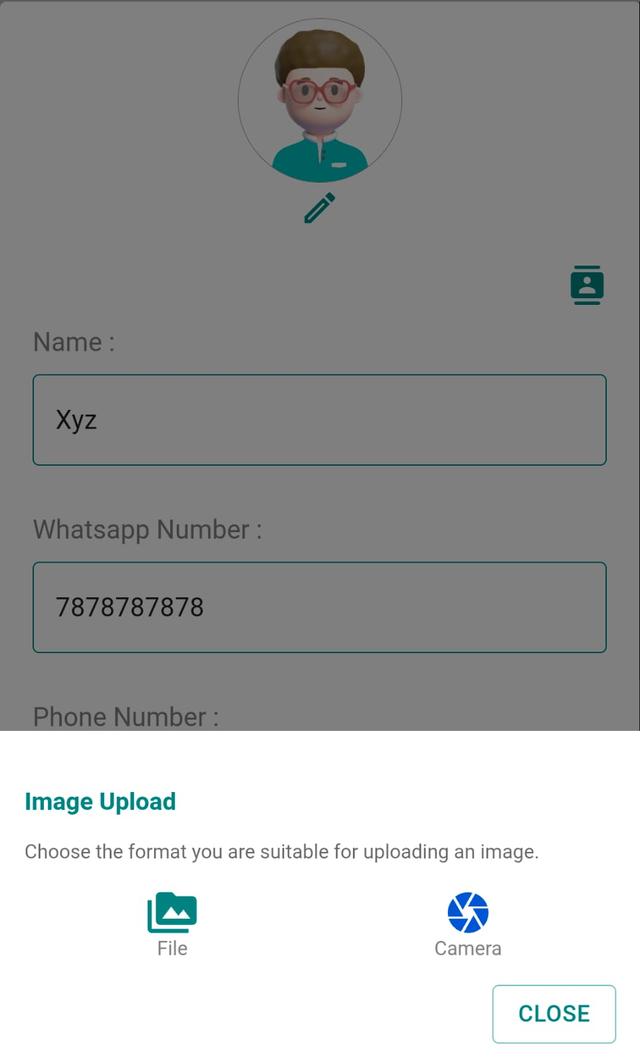
- Tap on the Profile Image section.
- Upload a photo using:
- Camera, or
- Gallery
Step 7: Save Party

- Tap Save.
- Your Customer / Vendor will be added successfully.
Step 8: Edit or Delete Party
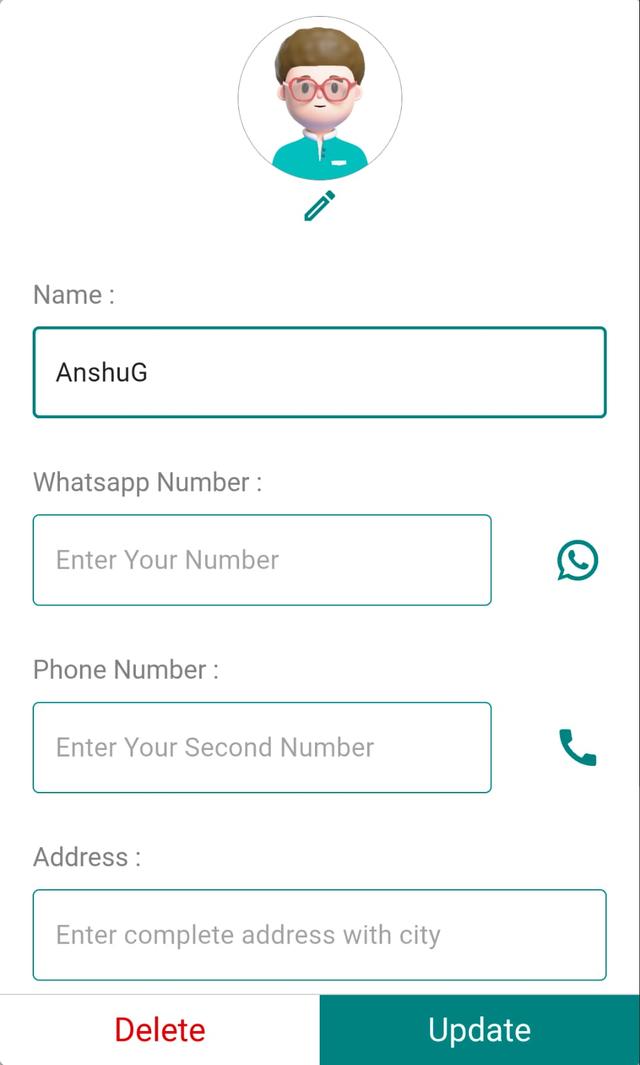
Tap on the Party Card to open details.
From here, you can:
Edit / Update details
Delete the party if needed
Final Note
Maintaining proper customer and vendor records helps in faster billing, better tracking, and stronger business relationships.
Why Party Management Matters in Mobile Shop Billing Software
Adding customers and vendors is the foundation of party management in any mobile shop billing software. In Phoneo, every customer and supplier you save becomes a reusable party record, so the next time you create a GST or non-GST bill, log a repair job card, or record a stock purchase, the right name, WhatsApp number, and GST details are filled in automatically. For a busy mobile shop in India — selling new and second-hand phones, accessories, and repairs — clean party records mean fewer billing mistakes and faster checkout at the counter.
- Faster billing: saved customers auto-fill on new invoices, so you don't re-type details for repeat buyers.
- Udhari & credit tracking: link each sale to a party to follow up on pending balances and recover credit on time.
- GST-ready records: store a customer's or vendor's GST number once and reuse it on every B2B invoice.
- WhatsApp reach: keep verified WhatsApp numbers to share bills, payment reminders, and offers directly.
- Vendor history: track which supplier you bought stock from for better purchase and price decisions.
Related Guides & Features
- GST & non-GST billing software for mobile shops
- Udhari & credit recovery for your party ledgers
- Customer & vendor ID-proof records
- IMEI-wise stock tracking
- Explore all Phoneo features
Ready to organise your customers and vendors in one place? See Phoneo pricing and start a 7-day free trial for your mobile shop.